
Skip to content
SCAN · SORT · STORE

Find out what a grader would see, before you pay for grading.

Photograph a card, let Gem Finder flag what may deserve closer attention, then see what stands out and sort it into Keep or Sell.

Early access in your phone's browser. Nothing to install.

A photo check, not a final grade. Your original photos are always kept.

Nine-scene walkthrough of the current Go Precheck using one fictional sample card. Riley Hart, Meridian Basketball, the Halo Wave finish, the team, this card, and its photos are all fictional sample data. No camera, network, or account action happens here. This is not a final grade. No value is claimed.

FICTIONAL SAMPLE CARD · NOT A LIVE SCAN
01 · FRONT READYFront photo lined up

One clear front photo of the fictional sample card. Nothing is sent anywhere.

HOW IT WORKS
1. Scan

Point the camera. The scanner finds the card and captures the original photo, which stays the evidence.

2. Sort

Read what stands out on the card, then swipe it into Keep or Sell.

3. Store

Keep goes to your Vault, where every card holds its photos, its notes, and its batch.

4. Market

Sell turns into a draft listing you review and export yourself. Nothing is ever listed for you, and market context appears only when a licensed source is on.

The walkthrough above uses one fictional physical card and the current Go Precheck flow. It never starts your camera or contacts a provider. Not a final grade.

THE DECISION

Most collectors do the expensive part before the obvious part.

The pile grows, the photos get lost, and the next move turns into guesswork. This usually happens right before you spend money on grading, a listing, or storage. Go Precheck gives every card a next move: keep it or prepare it to sell.

BEFORE GRADE OPTIC
  • Camera roll full of card photos
  • A "Maybe review" pile growing every week
  • Sell candidates mixed with keepers
  • Good cards forgotten after the rip
AFTER GRADE OPTIC
  • Every card has a record
  • Every card has a next move
  • Keep → Vault
  • Sell → Market Prep
PRODUCT PROOF

See exactly what you get.

One card. One report. One clear next action, with original-photo evidence and buyer-first market context kept in their proper lanes. Fictional sample and simulated data, not live or licensed.

FICTIONAL SAMPLE · SIMULATED DATA · NOT LIVE OR LICENSED
REPORT PREVIEWGO-SAMPLE-A142 · Mail day sample
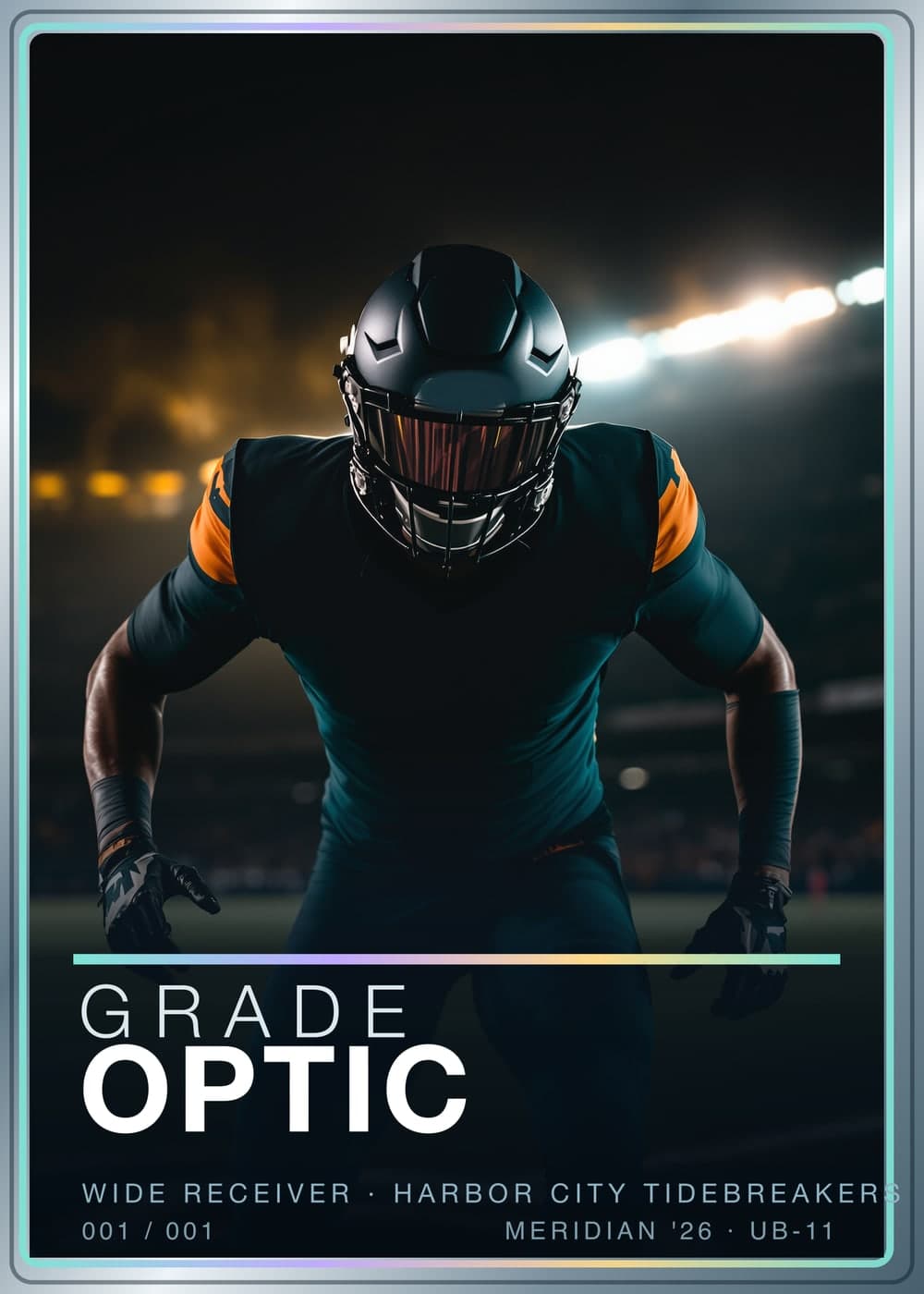
Sample card artwork. Display only and not condition evidence.DISPLAY ART · NOT EVIDENCE
IDENTITY · CONFIRMED

Avery North · 2024 Northstar Hoops

Aurora parallel · #142 · raw

Exact card match with front, back, and angled-surface photo records attached. Condition notes and market context stay separate.

● Exact identity● All 3 photos attached● Raw card segment
BUYER SNAPSHOT

The facts that matter first.

Identity, visible concerns, completed-sale context, and the next move in one view.

VISUAL PRECHECK
8.2 / 10
Strong visible condition · High confidence
Visual precheck only · not a final grade
COMPLETED-SALE RANGE
USD 30–46
5 accepted observations
LATEST SALE
USD 46
Jul 29, 2026
MAIN UNCERTAINTY
Upper-left corner softness
Judged from photos, not in hand
VISIBLE CONCERNS
  • Right-heavy centering
  • Upper-left corner softness
  • Back-right edge whitening
  • Surface reviewed · clean
MARKET CONTEXTCompleted sales, kept apart from asking prices
MARKET CONTEXT

Completed sales first. Asking prices second.

Completed-sale observations provide context. Seller intent is not evidence of a completed sale.

COMPLETED SALES
5 included
1 outlier excluded
MEDIAN SALE
USD 38
Raw-card segment
SALE RANGE
USD 30–46
Accepted observations
ACTIVE ASKS
USD 55–62
Not completed sales
COMPLETED-SALE HISTORY

Five sales across five weeks.

Raw-card observations only. Active asking prices are excluded.

USD 46+53.3% first to latest
Illustrative completed-sale historyFive completed-sale observations rise from USD 30 on 2026-06-22 to USD 46 on 2026-07-29. Active asking prices are excluded.USD 46USD 38USD 30Jun 22Jul 12Jul 29
View the five sale observations
  1. Jun 22USD 30
  2. Jul 2USD 34
  3. Jul 12USD 38
  4. Jul 22USD 44
  5. Jul 29USD 46
5 accepted observations · 1 outlier excludedRange USD 3046
Market data is informational only and not a guaranteed value.Prices vary by condition, timing, platform, fees, and exact card identity.Market context never changes the visual condition read.
CONDITION NOTESWhat the photos show, area by area
CONDITION NOTES

What the photos show.

Each note points back to the photo record that supports it.

Centering
Appears slightly right-heavySource · GO-SR-F01
Corners
Slight softness at upper leftSource · GO-SR-F01
Edges
Light whitening at back rightSource · GO-SR-B01
Surface
Even gloss, no scratch or print line foundSource · GO-SR-S01
PHOTO EVIDENCEView source records3 attached
FRONT · GO-SR-F01

Front record attached

Supports: Centering, Corners

BACK · GO-SR-B01

Back record attached

Supports: Edges

ANGLED SURFACE · GO-SR-S01

Angled surface record attached

Supports: Surface

Original source photos are omitted from this public preview. The card art above is display only and never used as condition evidence.

AFTER THE PHOTO CHECK

Sort into a Keep or Sell bin.

KEEPKeep bin → VaultSELLSell bin → Market Prep
DATA SOURCEFixed demonstration dataset

USD · raw card segment · through Aug 1, 2026

REPORT BOUNDARYVisual precheck, not a final grade

It does not provide official grades, authentication, guaranteed values, or investment advice.

WHAT'S INSIDE

Your entire collection in your pocket.

Instant card recognition

Get a fast proposed match from a clear photo. Add the back when needed and confirm the exact card before you act.

Gem Finder

An integrated discovery lane for cards that may be rare, trending, or valuable: recognition and visible rarity clues sit beside the finish-aware condition signal, with licensed market context when connected. Live market data is not connected in the public beta. Rarity and value still require confirmation.

Swipe to sort

Move every recognized card into Keep or Sell.

Find any card in seconds

Find cards by batch, notes, tags, photos, and destination without rebuilding a spreadsheet.

Live card market analytics

When a licensed market source is on, see completed sales, active asking prices, and historical movement, with asking prices never mixed into sold results. Live market data is not connected in the public beta.

SELL WORKFLOW OUTPUT
Marketplace draft exports

Turn reviewed Sell cards into draft CSV exports for eBay and Whatnot. Grade Optic packages card details, safe title and description copy, original-photo references, and source-backed market context when available. You review, complete missing fields, and upload each draft yourself.

eBay draft CSVWhatnot draft CSVReview, complete, then upload yourself. Nothing is auto-listed.
Real export columns · fictional sample rows · price fields ship empty for you to set
EVIDENCE + TRUST

Honest when the photo isn't enough.

Go Precheck keeps the evidence attached, the uncertainty visible, and the next useful step clear.

When a read needs moreUncertain, slow, incomplete, and failed states
EXACT CARD UNCERTAIN

The read says what is still unknown.

When the exact card cannot be confirmed, Go Precheck asks for the photo that would help most, usually the back.

Add the requested photo
TAKING LONGER

The card stays in your session.

A slow provider does not turn into a made-up result. You can wait, retry, or keep working through the stack.

Wait or retry
EVIDENCE INCOMPLETE

Missing evidence stays visible.

An unassessed area remains unassessed. The report names the limitation and keeps the next photo specific.

Complete the evidence
SCAN FAILED

Failure is a state, not a result.

A failed attempt remains retryable and never becomes a confident identity, condition read, or market statement.

Retry the same scan
Privacy and data handlingVerified facts about the current product
  • Scan records and session state are saved in this browser and persist until you clear them in the app or browser storage.
  • When you run a scan or Precheck, image bytes may be sent to the configured scan provider for analysis.
  • Early Access feedback reports contain allow-listed technical context and do not attach card photos.
  • Hosted listing images are opt-in when available; they are not the default scan path.
Scope and safetyWhat the visual precheck is designed to support

Go Precheck organizes photo evidence and helps collectors decide what deserves closer inspection.

It does not authenticate cards, issue official grades, guarantee value, or replace a professional grader.

YOUR NEXT STACK

Start with the stack on your desk.

Early access runs in your phone's browser, with nothing to install. No payment is collected in the current public beta.

Go Precheck | See what stands out before grading